이 글에 등장하는 코드는 금융권 보안 정책상 실제 프로젝트 코드를 그대로 공개할 수 없어, 동일한 취약 패턴과 해결 흐름을 재현한 샘플로 대체했다. 클래스명·테이블명·경로 같은 식별자는 가상이지만, SonarQube가 잡는 데이터 플로우와 통과 조건은 실제 환경과 같다.
📑 목차
JDK 21 업그레이드 작업 중 SonarQube Path Traversal 룰 S2083이 거래 명세서 다운로드 API에서 떴다. 외부에서 파일명을 받아 서버 디렉터리에서 읽어 내려주는 흔한 패턴이다. 금융권에서는 PDF 명세서, EDI 결과 파일, 인증서 다운로드처럼 거의 모든 시스템에 한두 개씩 존재한다.
로직 변경 없이 SonarQube Path Traversal 룰을 통과시키기 위해 시도한 3가지와 최종 해결 코드를 정리한다.
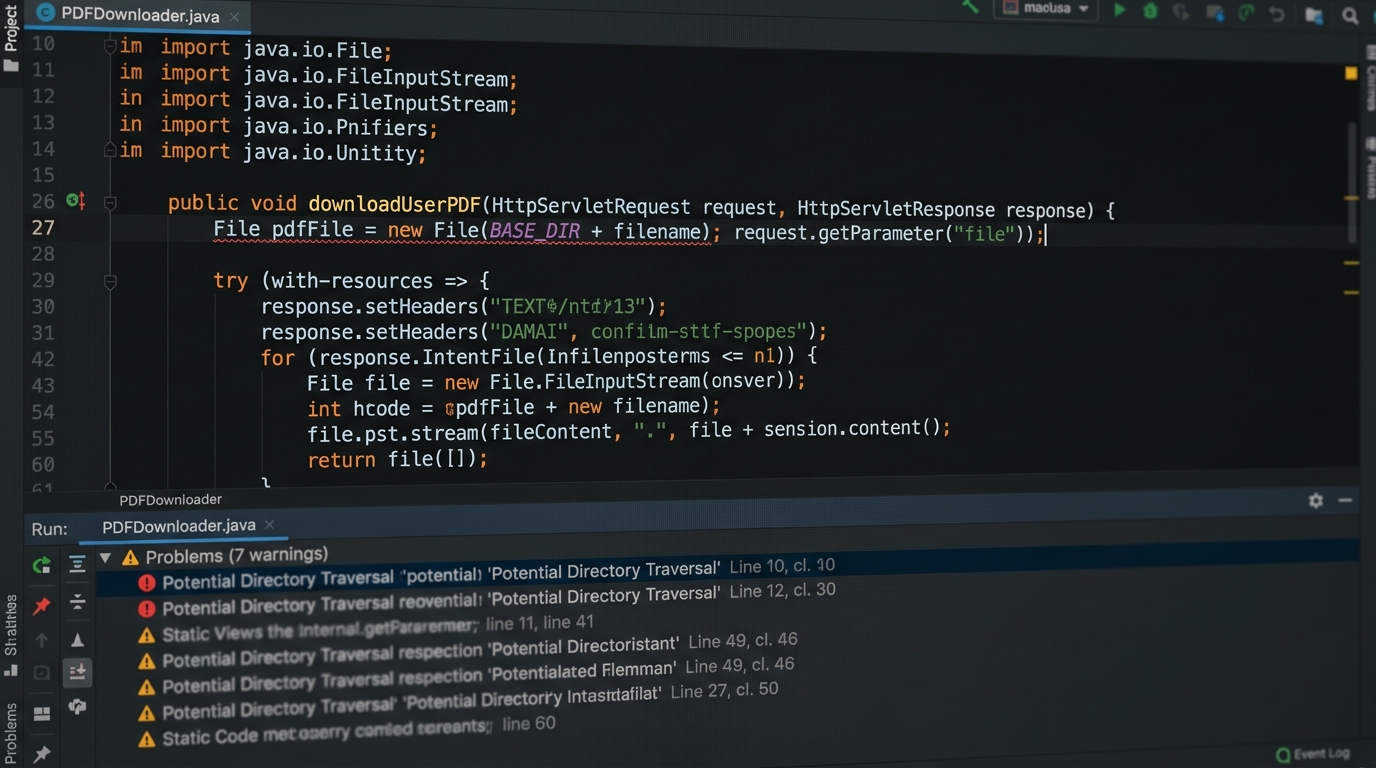
레거시 다운로드 API 패턴
// 거래 명세서 다운로드
private static final String BASE_DIR = "/data/statements";

@GetMapping("/statement")
public void download(@RequestParam String filename, HttpServletResponse resp) throws IOException {
    File f = new File(BASE_DIR + "/" + filename);
    resp.setContentType("application/pdf");
    try (InputStream in = new FileInputStream(f)) {
        in.transferTo(resp.getOutputStream());
    }
}
?filename=../../../etc/passwd면 그대로 /etc/passwd를 읽는다. SonarQube Path Traversal 룰은 외부 입력이 File이나 Paths.get으로 흘러가는 데이터 플로우를 잡아낸다.
시도 1. .. 문자열 제거 — 실패
String safe = filename.replace("..", "");
File f = new File(BASE_DIR + "/" + safe);
S2083은 그대로 떠 있다. 게다가 실제로도 우회된다. ....// 같은 입력을 한 번 치환하면 ../가 된다. URL 인코딩(%2e%2e/), null byte, 윈도우 백슬래시까지 고려하면 문자열 치환 한 줄로 막을 수 있는 게 아니다. SonarQube도 알려진 sanitizer가 아니면 인정해주지 않는다.
시도 2. 영문/숫자 화이트리스트 — 부분 실패
private static final Pattern SAFE = Pattern.compile("^[a-zA-Z0-9._-]+$");

if (!SAFE.matcher(filename).matches()) {
    throw new IllegalArgumentException("invalid filename");
}
File f = new File(BASE_DIR + "/" + filename);
S2083은 사라지긴 한다. 그런데 운영팀에서 컴플레인이 들어왔다. 명세서 파일명에 한글이 들어가는 케이스(홍길동_2025_12.pdf)가 있어서 정규식 검증에서 다 떨어졌다. 한글까지 허용하면 패턴이 다시 느슨해지고, 결합 문자(combining character)나 RTL 문자 같은 변수도 늘어난다. 룰은 통과해도 운영이 깨지는 케이스다.
시도 3. getCanonicalPath startsWith — 부분 통과
File base = new File(BASE_DIR);
File target = new File(base, filename);

String canonical = target.getCanonicalPath();
if (!canonical.startsWith(base.getCanonicalPath() + File.separator)) {
    throw new SecurityException("path escape");
}
try (InputStream in = new FileInputStream(target)) { ... }
이 패턴이 인터넷에서 가장 많이 보이는 가이드다. SonarQube에서도 통과하는 경우가 많다. 다만 두 가지 약점이 있다.
getCanonicalPath는 심볼릭 링크를 따라간다. 운영 환경에 심볼릭 링크가 섞여 있으면 검증 통과 후 실제 오픈 시점 사이에 link가 바뀌는 race condition 여지가 생긴다.FileAPI 자체가 deprecated 권장은 아니지만, JDK 21 시점에서는java.nio.file.Path가 권장된다. 같은 룰이 나중에 NIO 전환 시 다시 뜨곤 한다.
최종 해결 — Path.normalize + 절대경로 prefix 검증
NIO API로 통일하고, 입력에서 디렉터리 부분을 아예 잘라낸 뒤 prefix 검증을 거는 형태로 정착시켰다.
private static final Path BASE = Paths.get("/data/statements").toAbsolutePath().normalize();

@GetMapping("/statement")
public void download(@RequestParam String filename, HttpServletResponse resp) throws IOException {
    Path target = resolveSafe(filename);

    resp.setContentType("application/pdf");
    Files.copy(target, resp.getOutputStream());
}

private Path resolveSafe(String filename) {
    // 1) 디렉터리 component를 잘라내고 파일명만 남긴다
    String name = Paths.get(filename).getFileName().toString();

    // 2) base와 합친 뒤 normalize
    Path resolved = BASE.resolve(name).normalize();

    // 3) 결과가 base 디렉터리 안인지 검증
    if (!resolved.startsWith(BASE)) {
        throw new SecurityException("path escape: " + filename);
    }
    return resolved;
}
핵심은 세 단계다.
Paths.get(filename).getFileName()— 입력에../나 절대경로가 섞여 있어도 파일명 컴포넌트만 추출한다. 이 한 줄로 traversal의 90%는 막힌다.resolve().normalize()— 남은.,..컴포넌트를 정규화한다.startsWith(BASE)— 최종 경로가 허용 디렉터리 prefix 안에 있는지 마지막 검증.
BASE를 클래스 상수에서 한 번만 toAbsolutePath().normalize()로 만들어두는 것도 중요하다. 매 요청마다 만들면 working directory에 따라 결과가 바뀔 수 있다. SonarQube Path Traversal 룰은 이 흐름을 sanitize 패턴으로 인식하고 통과시킨다.
심볼릭 링크가 보안 경계를 넘는 환경이라면 Path.toRealPath()로 한 번 더 검증하면 된다. 다만 toRealPath는 파일이 실제로 존재해야 동작하므로 다운로드 직전에 호출하고, 실패 시 404로 처리한다.
업로드·압축 파일에서 발생하는 추가 패턴
파일 업로드 시 원본 파일명 처리
다운로드만큼 자주 보이는 케이스가 업로드된 파일을 저장할 때 원본 파일명을 그대로 쓰는 패턴이다.
// 위험한 패턴
@PostMapping("/upload")
public void upload(@RequestParam MultipartFile file) throws IOException {
    String filename = file.getOriginalFilename(); // 외부 입력 그대로
    Path dest = Paths.get("/data/upload/" + filename);
    Files.copy(file.getInputStream(), dest);
}
getOriginalFilename()은 클라이언트가 보낸 값 그대로다. ../../../etc/cron.d/backdoor처럼 경로 이동이 가능하다. 다운로드 케이스와 동일하게 파일명 컴포넌트만 추출하면 된다.
private static final Path UPLOAD_BASE = Paths.get("/data/upload").toAbsolutePath().normalize();
private static final Set<String> ALLOWED_EXT = Set.of(".pdf", ".xls", ".xlsx");

@PostMapping("/upload")
public void upload(@RequestParam MultipartFile file) throws IOException {
    String original = file.getOriginalFilename();
    if (original == null || original.isBlank()) {
        throw new IllegalArgumentException("no filename");
    }
    // 1) 경로 component 제거 — 파일명만 추출
    String name = Paths.get(original).getFileName().toString();

    // 2) 허용 확장자 검증
    String ext = name.contains(".") ? name.substring(name.lastIndexOf('.')) : "";
    if (!ALLOWED_EXT.contains(ext.toLowerCase())) {
        throw new IllegalArgumentException("not allowed ext: " + ext);
    }

    // 3) UUID 접두사로 충돌 방지
    Path dest = UPLOAD_BASE.resolve(UUID.randomUUID() + "_" + name).normalize();
    if (!dest.startsWith(UPLOAD_BASE)) {
        throw new SecurityException("path escape");
    }
    Files.copy(file.getInputStream(), dest, StandardCopyOption.REPLACE_EXISTING);
}
UUID 접두사를 붙이면 동일 파일명 덮어쓰기도 방지된다. 확장자 검증은 대소문자를 무시해야 .PDF 같은 우회를 막을 수 있다.
ZIP Slip — 압축 해제 시 Path Traversal
ZIP 파일 내 항목의 경로에 ../를 넣어 해제 디렉터리 밖으로 파일을 쓰는 공격을 Zip Slip이라 부른다. 금융권 EDI 수신 배치에서 ZIP 파일을 자동 해제하는 코드가 있으면 반드시 확인해야 한다.
// 위험한 패턴 — ZipEntry 경로를 그대로 사용
try (ZipInputStream zis = new ZipInputStream(new FileInputStream(zipFile))) {
    ZipEntry entry;
    while ((entry = zis.getNextEntry()) != null) {
        File dest = new File(BASE_DIR, entry.getName()); // ← entry.getName()이 외부 입력
        Files.copy(zis, dest.toPath());
    }
}
// 안전한 패턴 — 엔트리 경로 prefix 검증
private static final Path UNZIP_BASE = Paths.get("/data/inbox").toAbsolutePath().normalize();

try (ZipInputStream zis = new ZipInputStream(new FileInputStream(zipFile))) {
    ZipEntry entry;
    while ((entry = zis.getNextEntry()) != null) {
        Path dest = UNZIP_BASE.resolve(entry.getName()).normalize();
        if (!dest.startsWith(UNZIP_BASE)) {
            throw new SecurityException("Zip Slip detected: " + entry.getName());
        }
        Files.createDirectories(dest.getParent());
        Files.copy(zis, dest, StandardCopyOption.REPLACE_EXISTING);
    }
}
SonarQube는 Zip Slip을 별도 룰(S6096)로 잡는다. Path Traversal 보강 작업 때 함께 체크하면 한 번에 두 룰을 해소할 수 있다.
정리
SonarQube Path Traversal 대응의 본질은 "외부 입력을 디렉터리 컴포넌트로 쓰지 않는다"는 것이다. getFileName()으로 파일명만 추출하고, 합친 결과를 normalize()한 뒤 prefix 검증을 거는 3단계가 가장 단순하고 깔끔했다. 문자열 치환이나 정규식만으로는 룰도 안 사라지고 실제 우회도 막을 수 없다.
지금까지 입력 인터프리터 3종(SQL, 셸, 브라우저)에 이어 파일 시스템까지 다뤘다. 다음 편은 입력이 XML 파서로 흘러가는 케이스, SonarQube XXE (S2755)다.
룰 본문은 SonarSource 공식 룰 페이지(S2083)에서 확인할 수 있다.